Questions
How much brighter does it go?
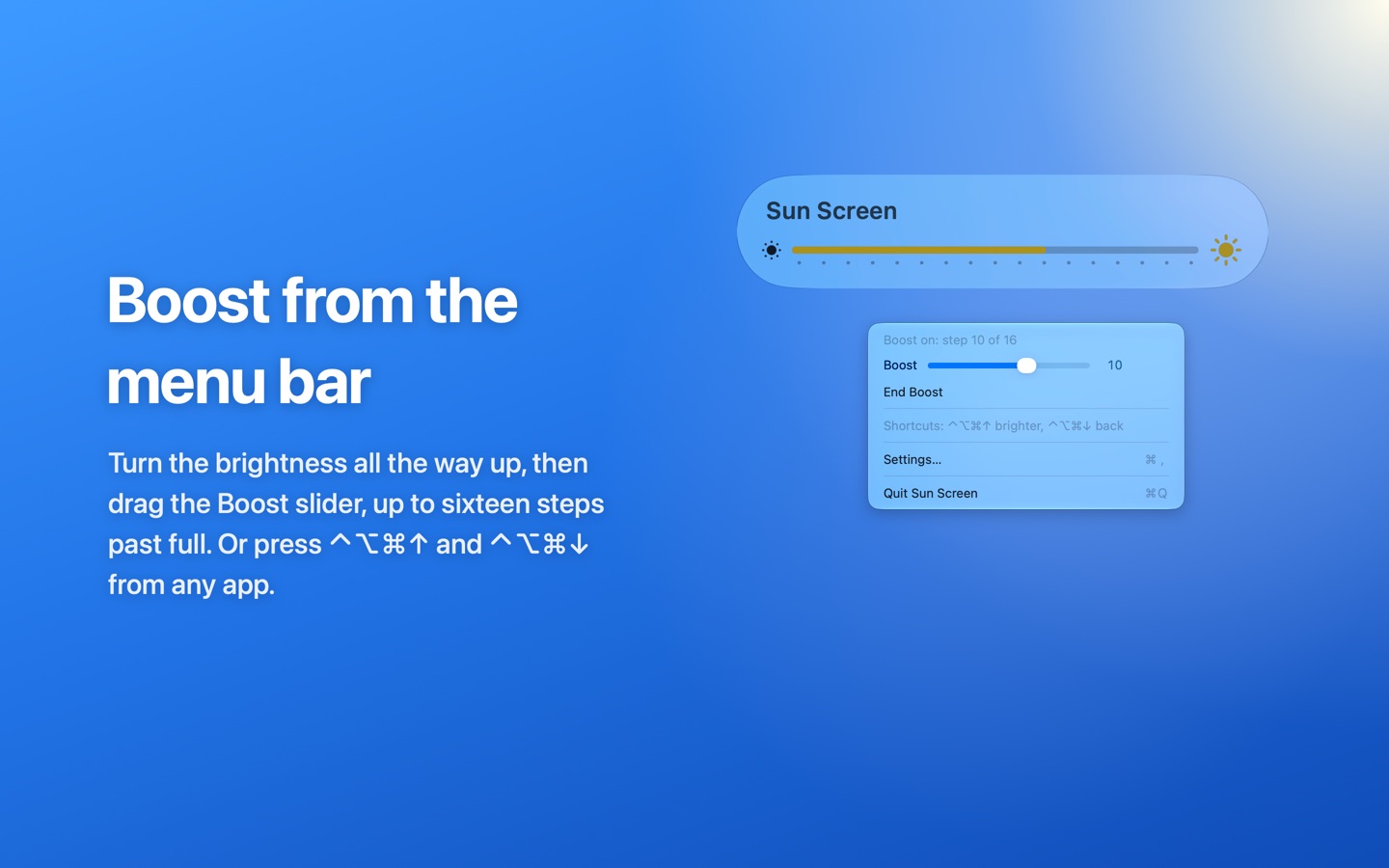
Up to sixteen steps past full brightness. Depending on the model that is up to around twice the brightness macOS normally allows, using the headroom the panel keeps for HDR video.
Does the boost use more battery?
Yes. A brighter screen uses more power, so by default Sun Screen stops the boost on battery below 20% or in Low Power Mode. You can change that in its settings.
Why can't I see the boost in a screenshot?
The extra brightness is in the light your display gives off, so screenshots and screen recordings look normal. The slider and the panel show the level.
The boost switched itself off.
Sun Screen steps aside when the screen is no longer at full brightness, for example when automatic brightness or Control Centre turns it down, and when your Mac sleeps or locks. It can bring the boost back when you return.
Does Sun Screen need any permissions?
No. It asks for nothing, never connects to the internet and never reads your keyboard.
How do I remove Sun Screen?
Click the sun in the menu bar and choose Quit Sun Screen, then drag it from Applications to the Bin.
 Sun ScreenFor the 14 inch and 16 inch MacBook Pro